
YouTube, with only the channels you chose on it.
When YouTube Kids starts feeling babyish, the only official next step is the whole open platform. This is the step in between: you pick the channels, and their screen plays those -- at seven or at fifteen.
The problem with filters
Every filter decides after the video exists.
A filter can only judge something once it has been made, uploaded and published. That is the race it is in, and it is the reason blocking never finishes: a block list is a list of everything you do not want, and that list is infinite.
ChannelKeep doesn't filter. You name the people whose work your child watches, and nothing else plays -- not because we caught it, but because it was never on the list.
And it matters what you're choosing from.
YouTube Kids lets you choose too. Approved content only limits your child to what you handpicked, and it's free. The difference is the pool: YouTube Kids hands you a children's catalogue, and the creators a nine-year-old asks for by name -- Mark Rober, Veritasium, the Minecraft channel you've watched together -- aren't classified as content for children, so they aren't in it. No amount of approving inside a children's catalogue puts them there.
Features
Everything it does
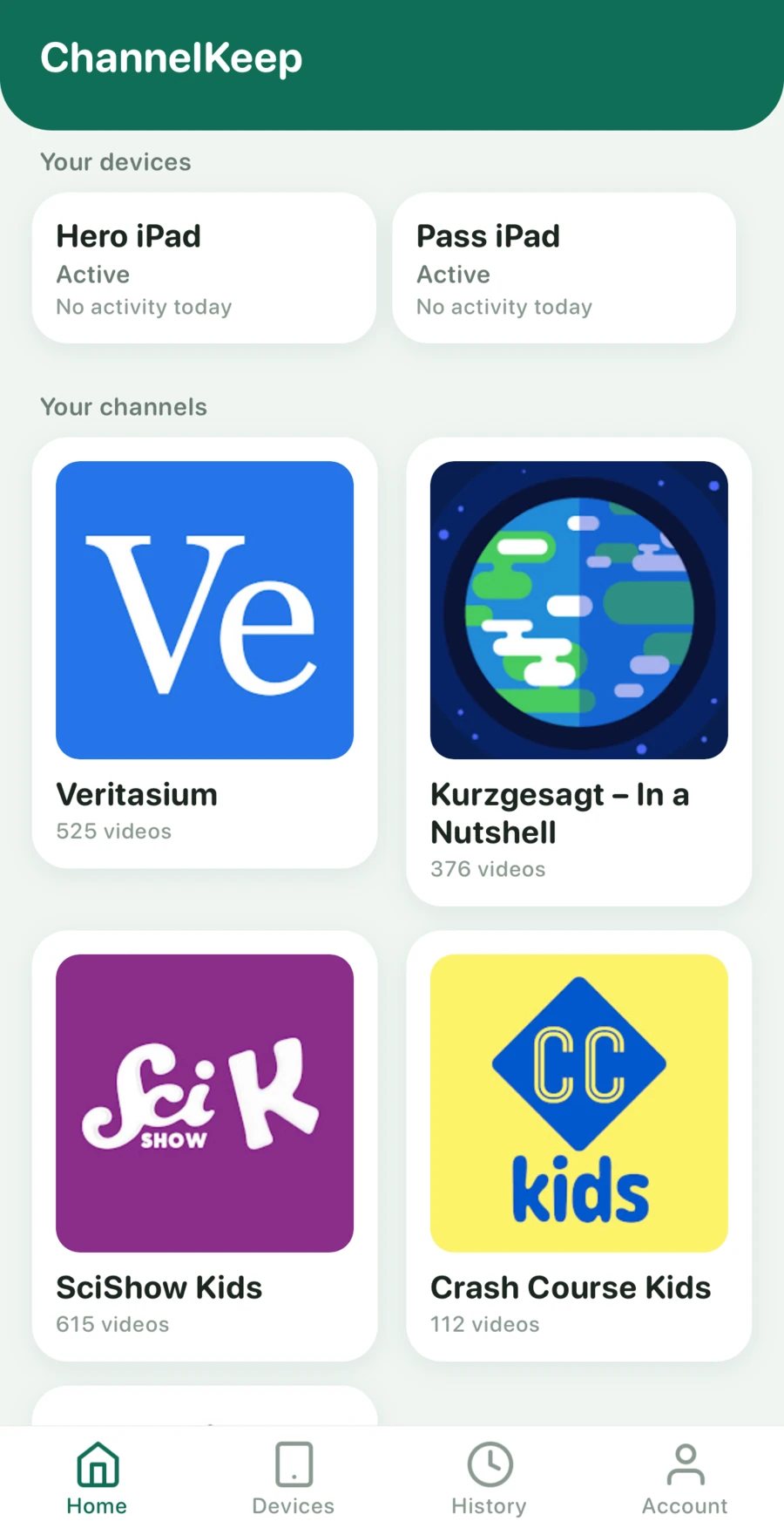
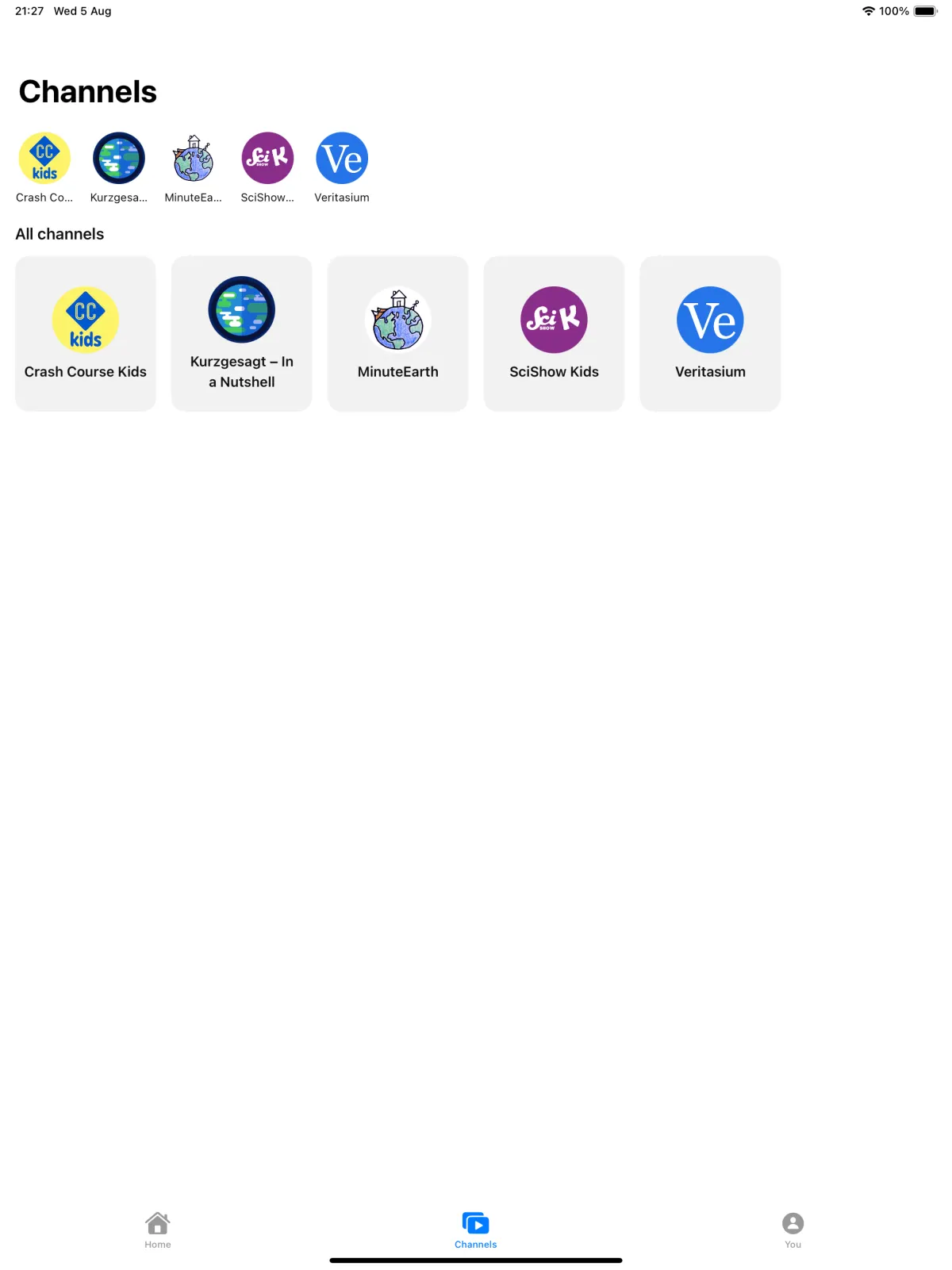
You choose the channels
Pick the ones you already trust. Their app plays those.
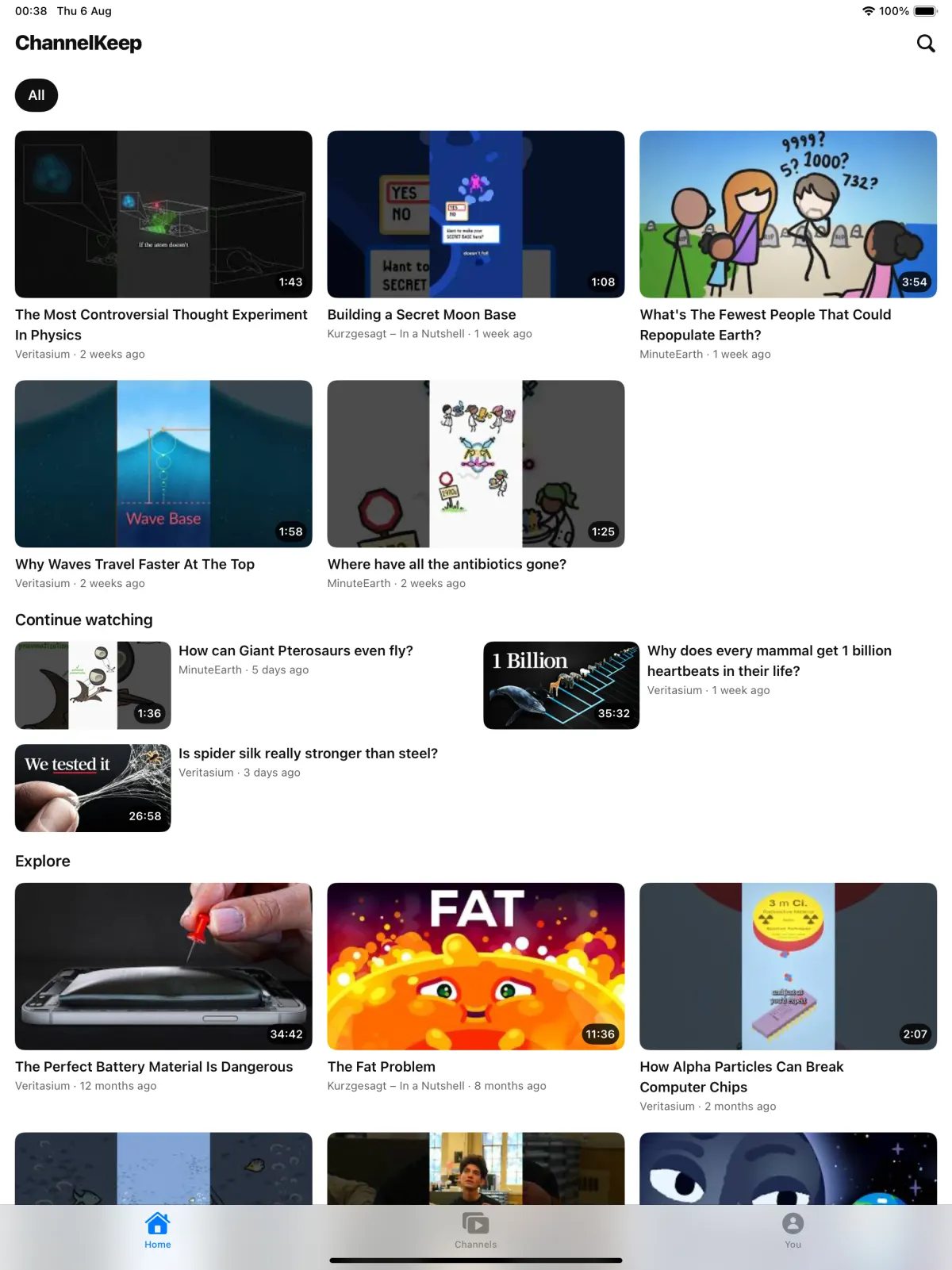
Doesn't look babyish
A grown-up video app, so an eleven-year-old will actually open it.
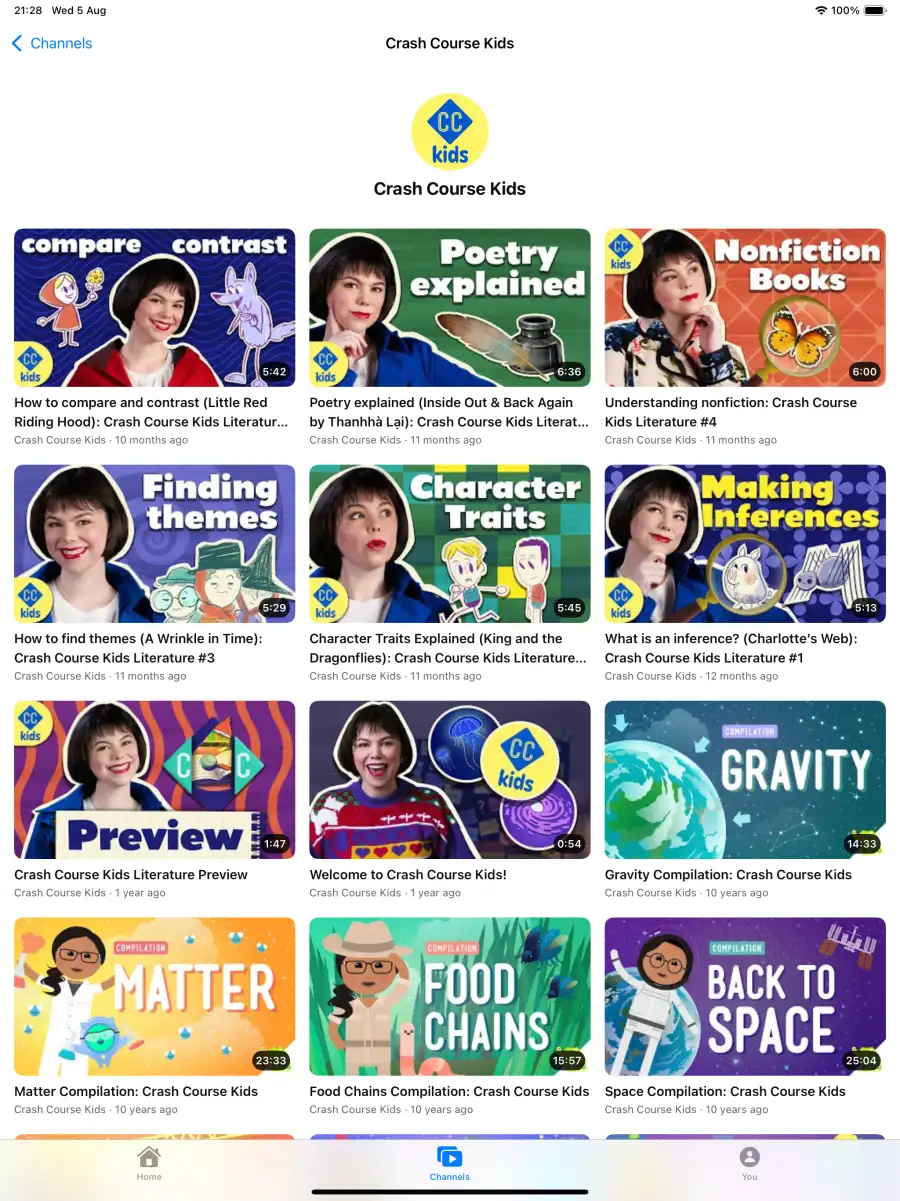
93 channels, already vetted
Start from a directory we watched ourselves, or ignore it and build your own.
No recommendation engine
A video ends and stops. There is no next one queued up.
No Shorts
Add a channel and its Shorts still stay out of the feed.
Change it from your phone
One parent app holds every rule for every device.
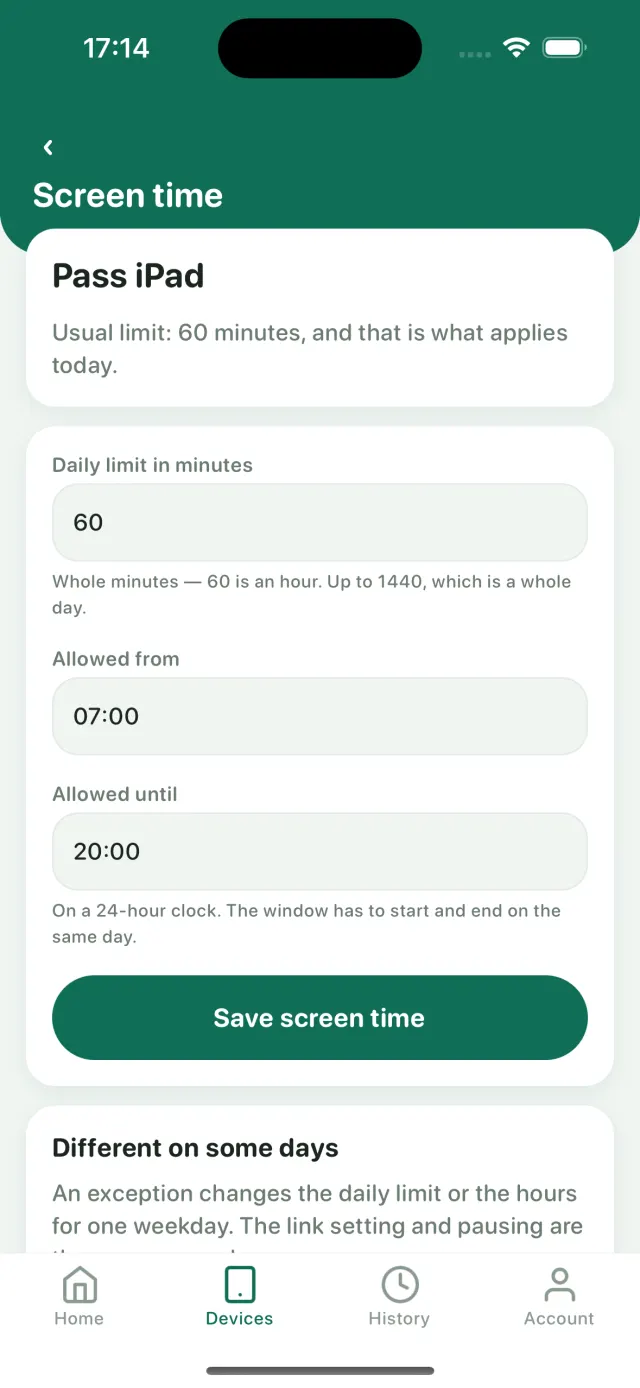
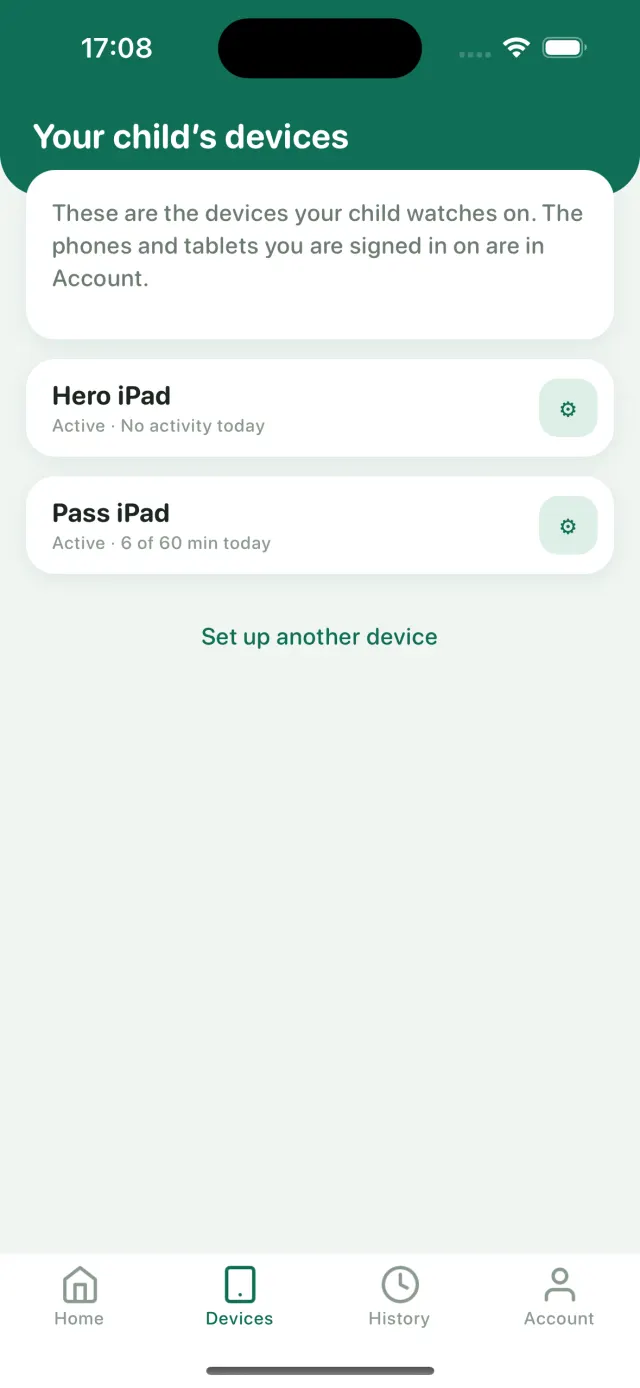
Screen time and allowed hours
Set per device, from the same app that holds the channel list.
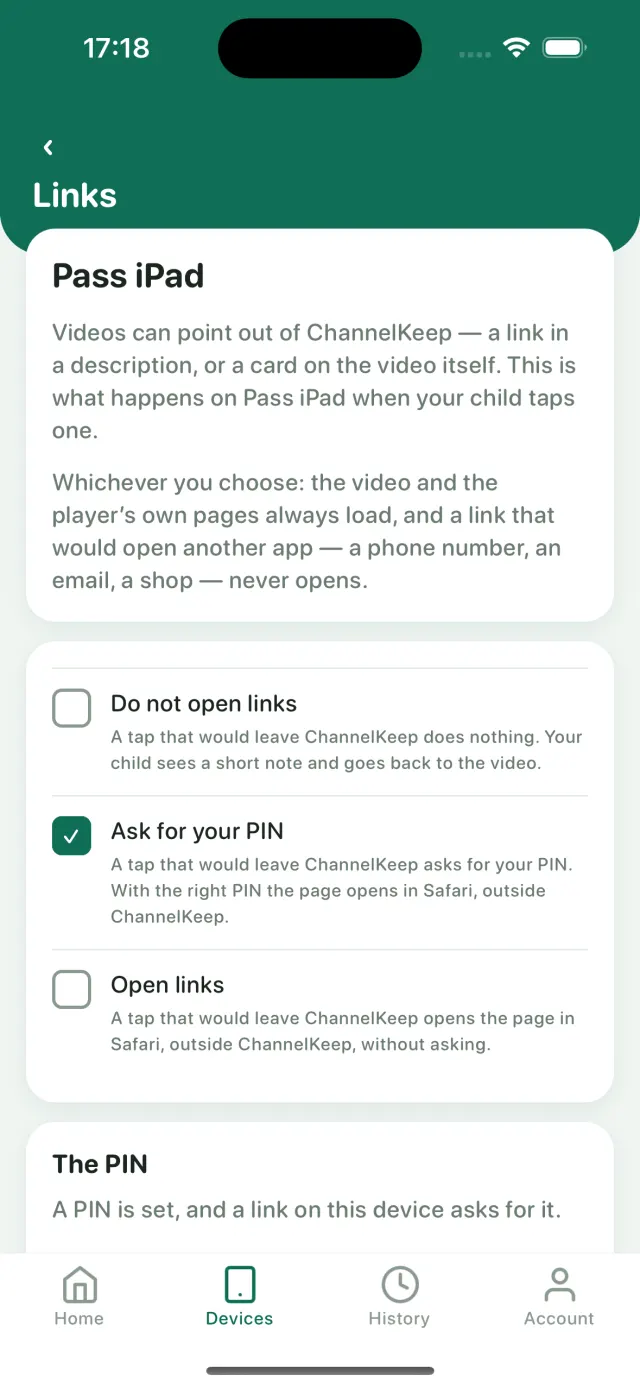
Link policy and parent PIN
You decide what happens when a link leaves the app.
Per-device rules
A younger sibling gets a different list on the same tablet.
Transparency
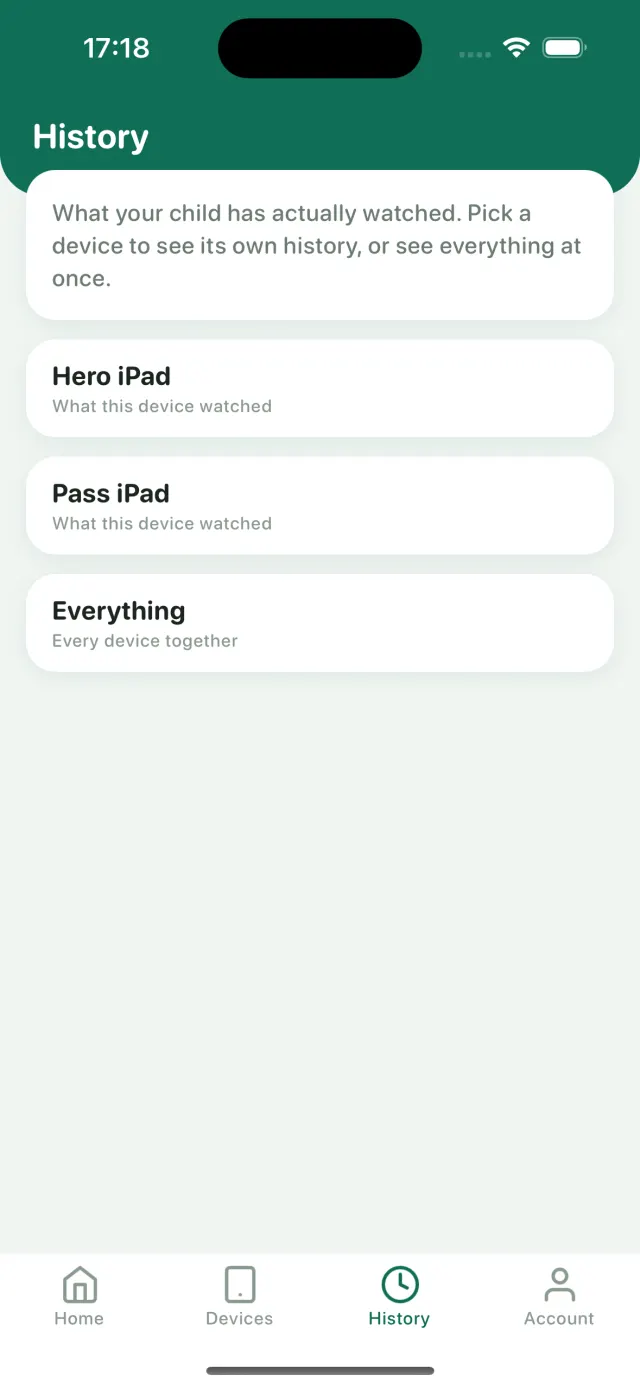
One screen shows everything stored, with a delete beside each.
The feed
No recommendation engine. No Shorts.
YouTube Kids still runs on the same machinery as regular YouTube underneath -- something is deciding what plays next, and it's tuned to keep a child watching, not to serve the parent's judgment. ChannelKeep has none of that. There is nothing in the app trying to extend the session. Shorts -- the endless vertical feed built for exactly the opposite of what you're doing here -- isn't in the app at all.
Setup
How it works
- 1
You choose the channels
Pick the ones you already trust. Most parents finish in an evening -- it's usually a dozen channels, not a hundred.
- 2
Your kid's app only plays those
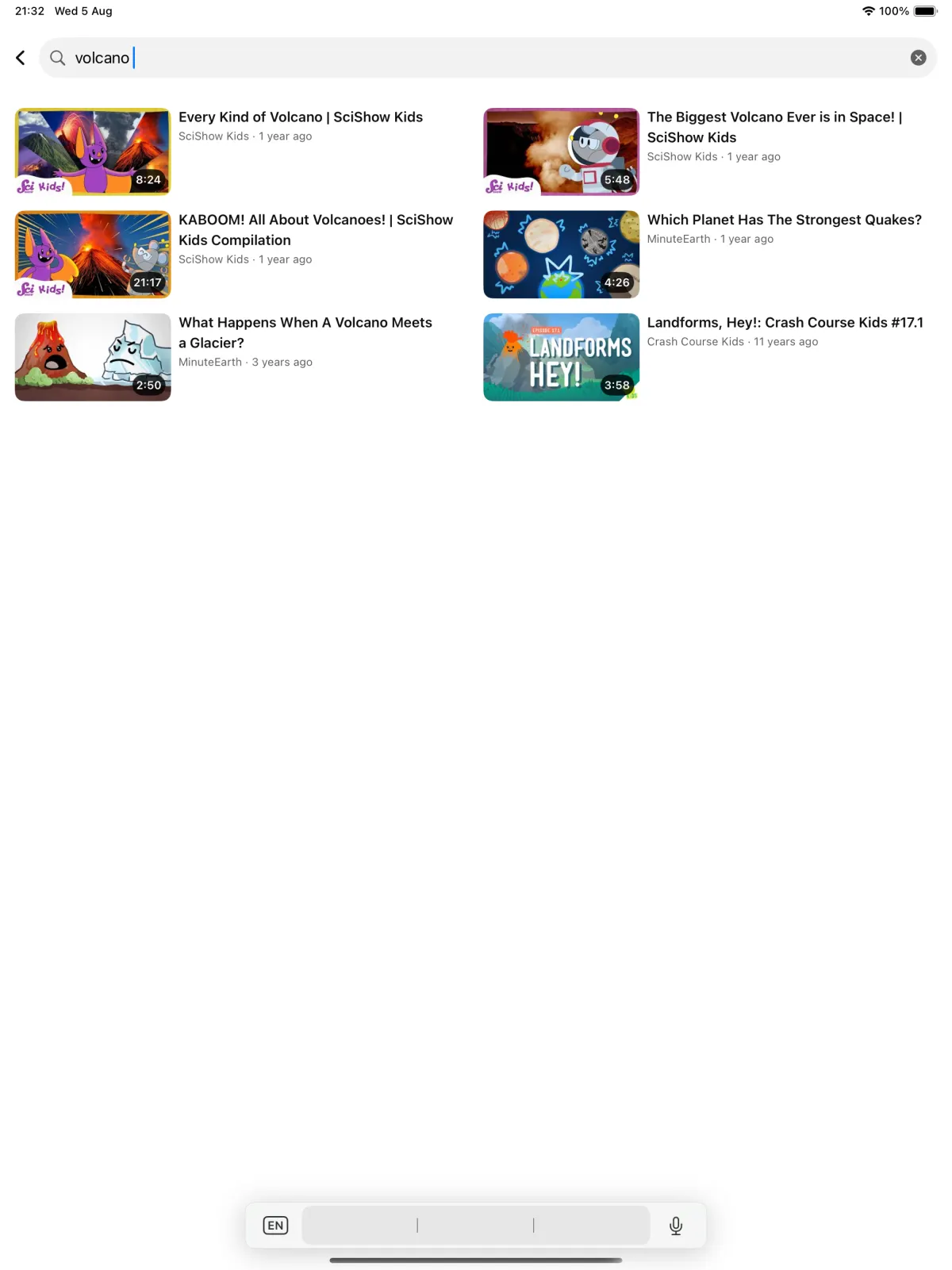
Nothing outside the list ever loads -- not a related video, not a search result, not a channel your child hasn't seen you approve.
- 3
Adjust it from your phone, anytime
The list lives on our servers, not on the tablet. Add a channel, remove one, or hand a device back to a younger sibling with a completely different list -- no need to touch the tablet at all.
Works on the devices your child already uses.
- No Shorts
- Search stays inside their channels
- No comments
- No recommendations
ChannelKeep is coming to the App Store
Leave your email and we will tell you the day it is ready. Nothing else, and nothing before then.
Join the waitlist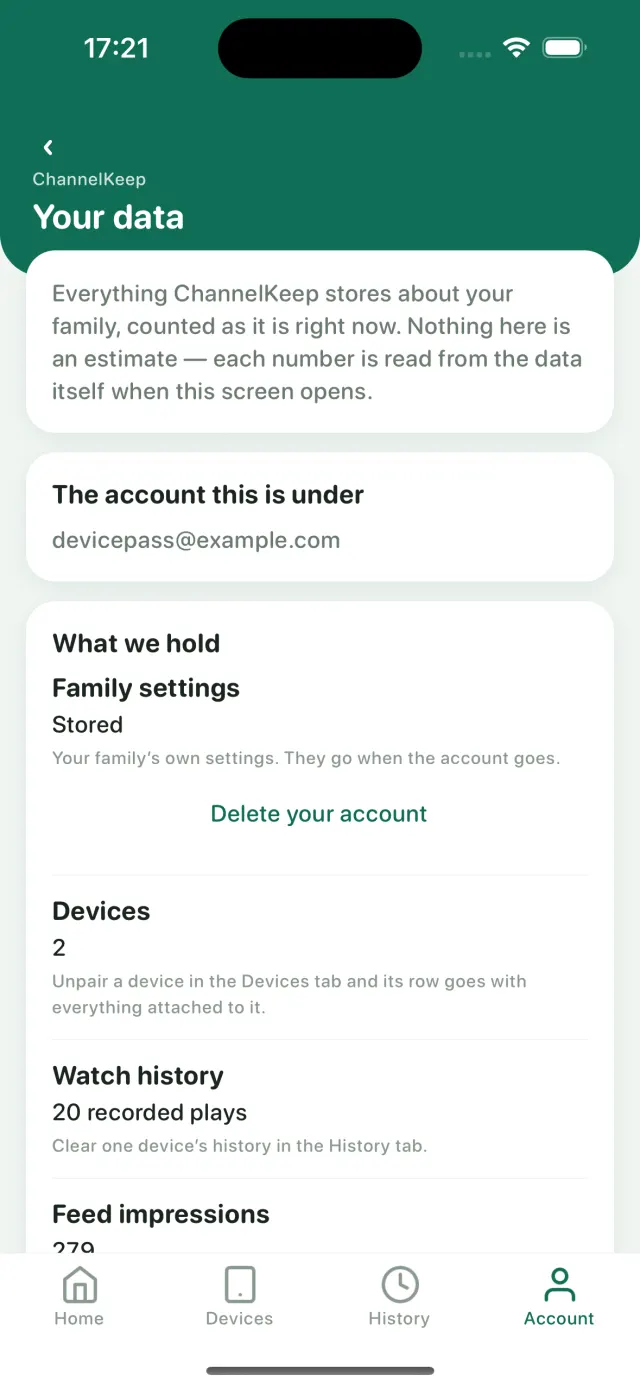
Privacy
We hold almost nothing on your child
There's no child account. No name. No age. No third-party SDK sitting inside the app collecting anything of its own. Everything ChannelKeep does store about your family is visible on a single screen inside the app -- with a delete button next to each item that actually deletes it, not a support ticket that maybe gets to it.
(How long your child watches is a separate question, and one that's already answered for free -- iOS Screen Time and YouTube Kids' own timer both do it well. ChannelKeep isn't a timer. It's about what plays, not how long.)
If something goes wrong
Every message reaches a person, not a queue. Support and common questions
See everything we store, and what we don'tWhat this app doesn't do
Screenshots
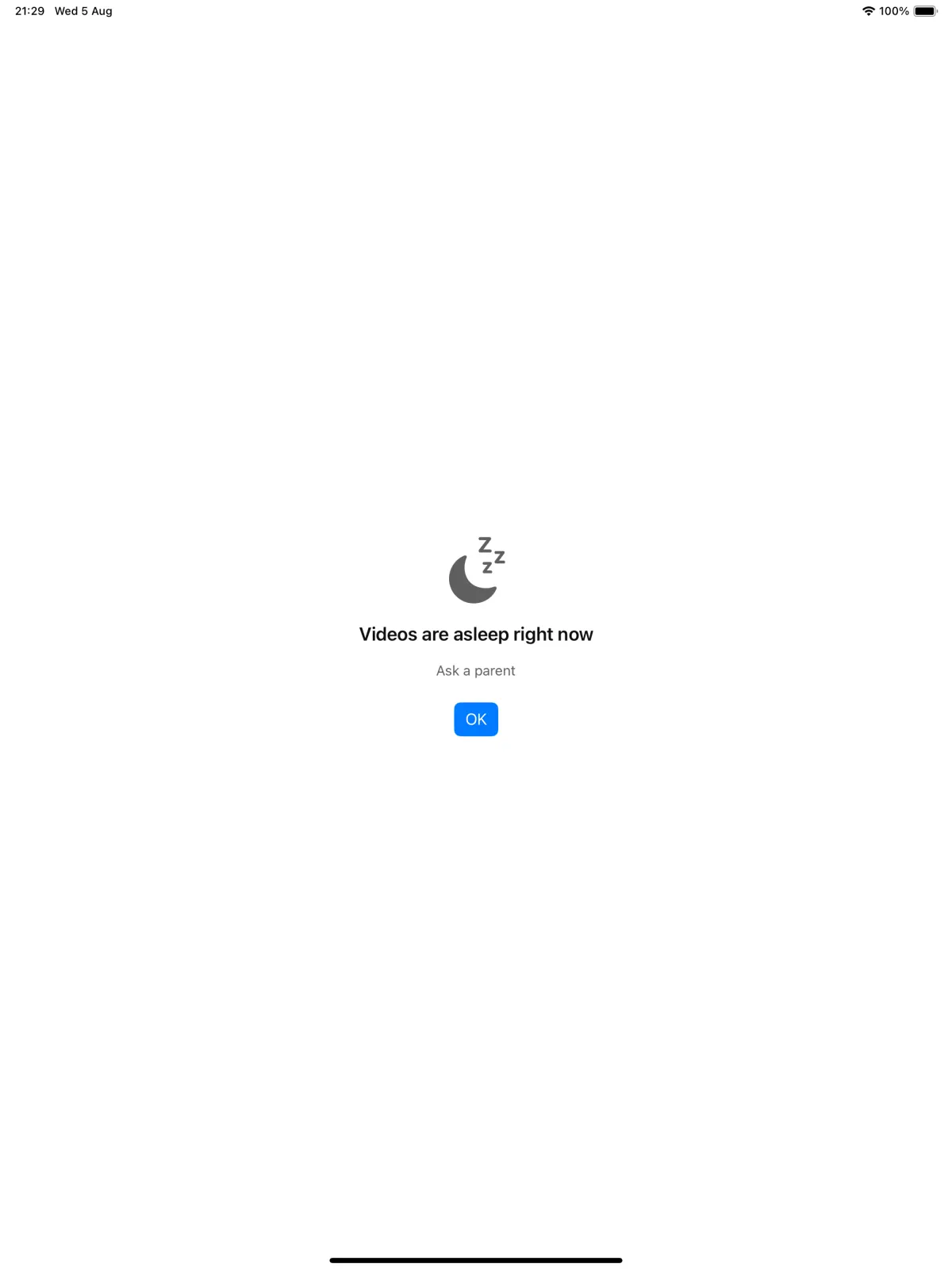
It doesn't look like a kids' app.
Somewhere around eight, a child starts noticing what an app says about them. The reason YouTube Kids stops working isn't the content settings -- it's that being seen using it is embarrassing, and a control your child refuses to use isn't a control.
This looks like a video app, because that's what it is. The list behind it is yours.
The founder
Why I built this
Every year, more of what a child sees is chosen by something other than a parent. I don't think that gets easier from here. Deciding what reaches your kid is going to matter more, not less.
I should say plainly that this is a business, and I intend to make money from it. I'd rather write that than pretend otherwise. What I'm not willing to do is make money the way the open platform does — by keeping a child watching for longer than anyone meant them to.
So the product has nothing in it built to extend a session, and it never will. What gets built next is decided by what parents tell me they actually need. Write to me and you'll reach me, not a queue.
Soufiane, ChannelKeep
Plans
Pricing
One price per family -- every child you add is included, not billed separately. The first month is free. Apple holds the payment method for it, not us, and the subscription renews automatically into the paid plan once the free month ends -- cancel any time before then and you won't be charged.
Answers
Questions parents ask
Can my child get around it?
There is no address bar and nowhere to navigate to: a link out follows the policy you set, which either refuses it or asks for your PIN first, and search only finds videos from the channels you chose. The channel list lives on our servers, not on the tablet, so it cannot be edited from the device. Changing it needs the parent app and the parent PIN.
What happens when I cancel?
You keep access until the period you paid for ends, then the app stops playing. Cancel through your Apple ID subscription settings — we cannot cancel an App Store subscription on your behalf.
Does it work on iPad?
Yes. iPad and iPhone, with the same channel list on each, and different rules per device if you want them.
Is YouTube safe for kids?
The open platform is not built for children, and its recommendation engine is tuned to keep anyone watching. YouTube Kids is safer but answers a general question about all children rather than a specific one about yours. ChannelKeep plays only the channels you chose.
How much screen time is too much?
That is a question about hours, and ChannelKeep is not a timer — iOS Screen Time already does that well and costs nothing. What we change is what plays during those hours.
What do you actually store?
Everything we hold about your family sits on one screen inside the app, and each item has a delete button beside it that does the deleting itself.